
Have you experienced the headache of your camera locking up, freezing, or shutting down unexpectedly? Chances are it’s not a camera issue, the problem is likely your battery, your SD card, or a combination of both. Let’s take a look at fixing the issues!
Step 1: Diagnosing the issue.
How do you know whether the issue is being caused by the SD card, the battery or both? Well luckily some cameras will actually tell you, you just need to pay attention to the messages displayed on the screen! Let’s say you charge your battery to 100% capacity, yet at around 60% your camera shuts down. The startup message on the rear screen may say “Camera shut down due to low power”. How can you have low power if the camera battery is saying 60%?
Well, this is because battery capacity and battery output are two very different things. An old or degraded battery may still offer 100% capacity; however, the power output may be lowered due to its age, cold temperatures or degradation. Think of it like a bucket of water with a metal pipe coming out the bottom of it. If you fill that bucket with water, it’s at 100% capacity. However, if that pipe starts getting old and rusty, the rate at which the water empties from the bucket can start reducing until it clogs completely and doesn’t flow at all.
The applies to your battery (and this is a very simplified explanation as we’re not going to get into advanced chemistry talking about the breakdown of anodes, cathodes, separators and electrolytes). Your battery capacity may be at 100%, but the rate at which the electrical energy flows from the battery to your camera (to power it) may reduce with age or even temperature.
So, if you see a message saying your camera shut down due to “low power” even though the battery is fully charged, this indicates that you may need to replace your battery.
On the other hand, if your camera stops recording at random or shuts down and the message on the rear screen displays the message “File Repairing”, this is an indicator of a corrupt SD card. SD card corruption can occur when your camera freezes or suddenly shuts down and the files aren’t written to the SD card and closed properly. This can cause your camera to freeze and shutdown unexpectedly which in turn can cause more SD card corruption.
Step 2: Preventing the issue
Prevention is better than cure. There are steps you can take to prevent these issues from happening to begin with. Here’s a few top tips to avoid these problems.
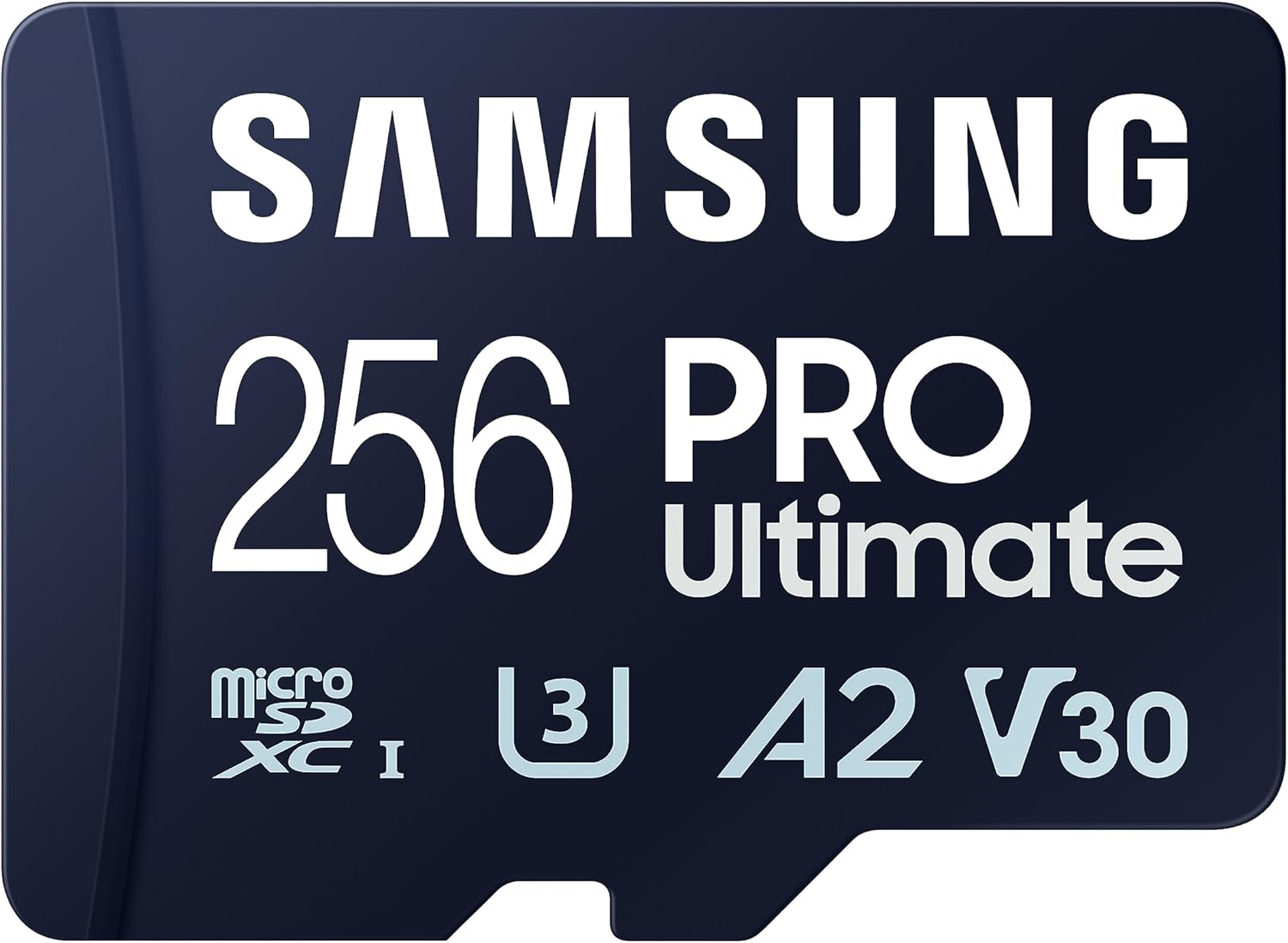
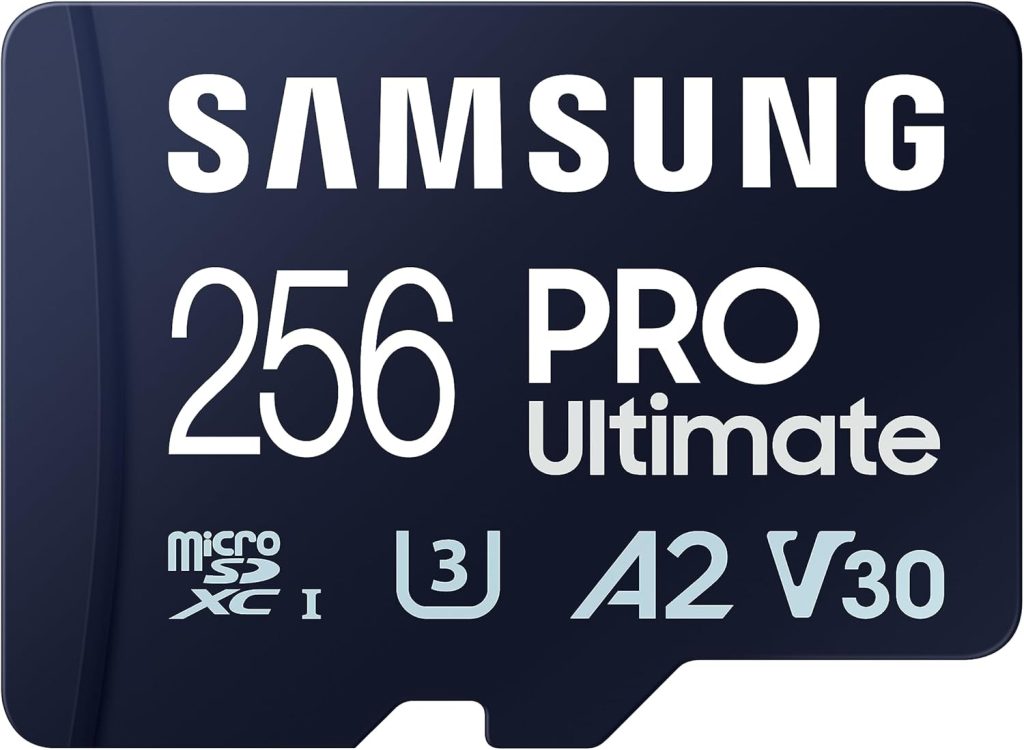
1: Avoid using cheap SD cards. Everyone loves a bargain and people think nothing of putting some cheap SD card in their very expensive camera. These cards are cheap for a reason. They either don’t meet the minimum specifications to operate in the camera properly or even worse, they are fake! This is why it’s a good idea to only use a recommended SD card in your camera. Remember, if you see a price that’s “Too good to be true” on an SD card, that’s because it usually IS too good to be true. Me? I personally use Samsung Pro Ultimate cards in my camera’s due to their reliability, and price point versus storage.
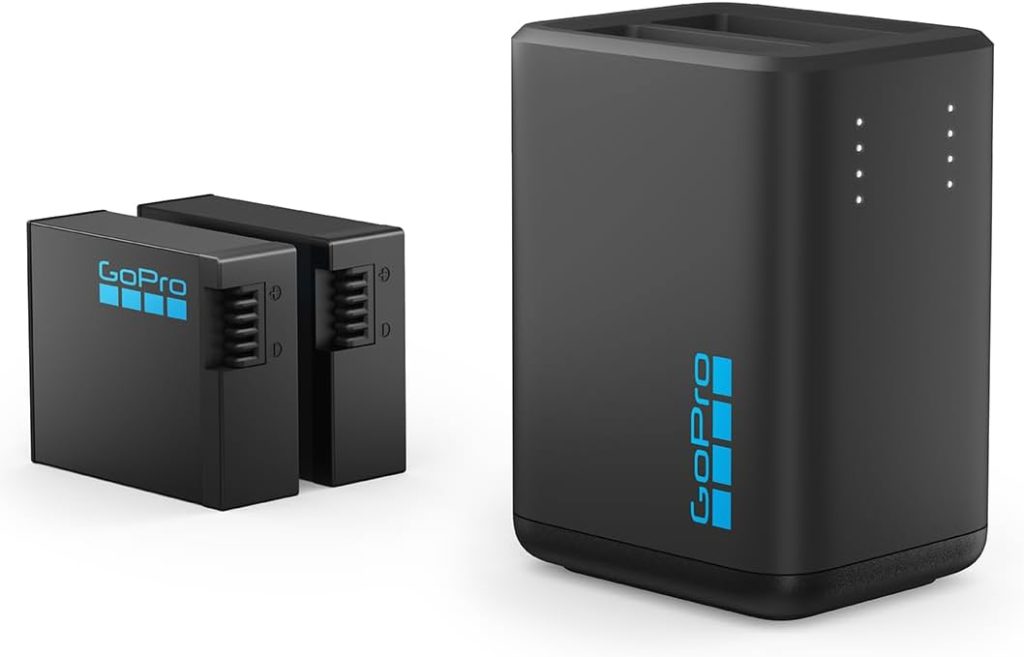
2: Age is very important! This is especially true where batteries are concerned. Old batteries can be prone to degradation due to their age (just like my back and knee’s!). Older batteries also use older battery chemistry and may not work well in cold weather. This reduces the power output of the battery and as I’m sure you remember, reduced power output will cause your camera to shut down. How you store, charge and use your batteries will also play a part in degradation. Try to avoid charging your batteries to 100% and then just leaving them in a drawer sitting doing nothing. If you have multiple batteries, rotate/cycle them often. Avoid using the same battery over and over again while other batteries just sit there doing nothing. If you’ve just used your camera, avoid charging the battery straight away, let it cool down first and then charge it. Avoid bargain 3rd party batteries, they are usually cheaper because they use cheaper materials in their chemistry and construction. It’s always best to use OEM batteries in your devices.
How to repair your SD card!
This is actually a simple process that requires the use of a PC or Mac. Your SD card may simply require a full format (as opposed to quick format). A full format repairs the entire file structure of your SD card, a quick format on the other hand just marks the SD card as “available for writing to” without actually repairing any of the issues.
I created this simple and quick video tutorial to help you fix your SD card so just give it a watch and follow the instructions.
Please note, that repairing your SD card requires a format which will erase ALL data from the SD card. So make sure you back up your SD card before repairing it!
Hopefully you find these tips helpful and they go a long way towards solving your camera issues!
Please note that the above article is based upon personal opinion and experience. It also may contain links to external sites. If you purchase goods from said external sites I get a small fee for said purchase. This money is used to fund and support Demonview.com and related channels. You should be proud to support such efforts and know that you’re helping me out. You should also feel good about reading all this tiny print as it means you’re someone who is very detail oriented and people probably look at you with the upmost respect. I mean that as a generalized term though, not like I’ve climbed a ladder outside your house and I’m peering in your window at you watching you eating your dinner or something. That would just be really really odd if I were to say that. Although if I DID do that, I’d be staring at you with the upmost respect. But ya know, I wouldn’t do that because I’m totally not that guy…….. also I don’t like heights.
 English